
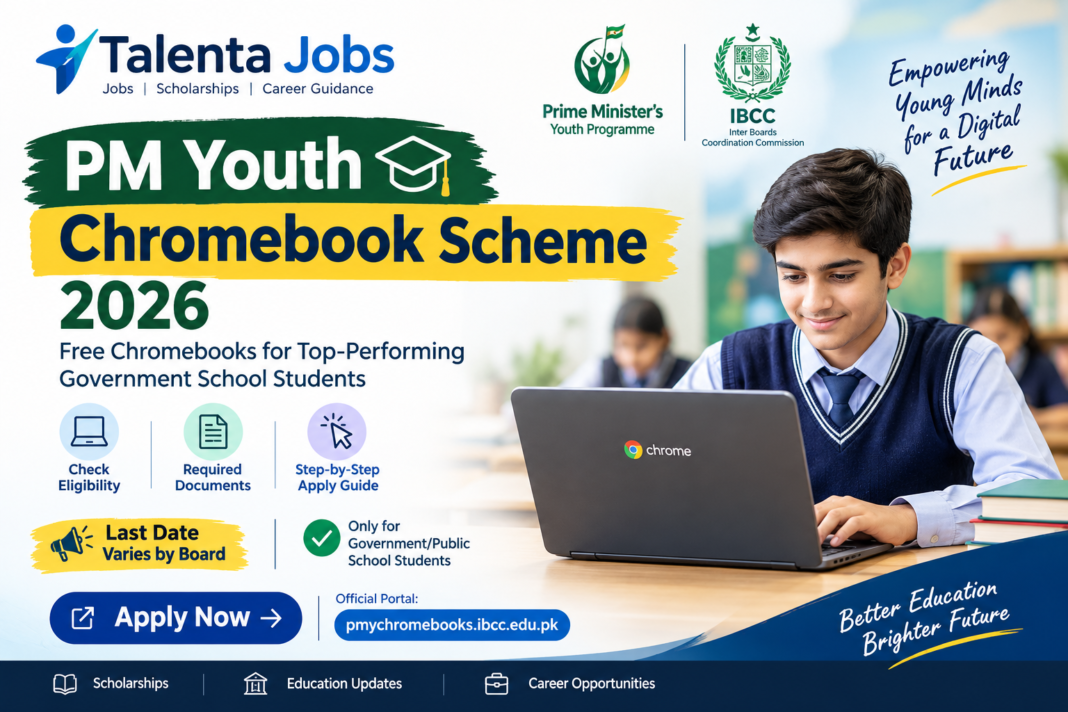
The Prime Minister’s Youth Chromebook Scheme 2026 aims to provide Chromebooks to top-performing students studying in government and public schools across Pakistan. The initiative is designed to support digital learning, online education, research and students’ access to modern educational resources.
Under this initiative, eligible students are considered based on their Annual Examination 2026 results and the records submitted by their respective educational boards.
In this guide, Talenta Jobs explains the eligibility criteria, required documents, application procedure and important instructions students should know before applying.
Important Update: Eligibility and registration depend on the student’s examination board and academic record. Always check the official IBCC portal for the latest registration status and instructions.
PM Youth Chromebook Scheme 2026 – Overview
| Details | Information |
|---|---|
| Scheme Name | Prime Minister’s Youth Chromebook Scheme 2026 |
| Country | Pakistan |
| Administering Body | Inter Boards Coordination Commission (IBCC) |
| Eligible Institutions | Government/Public Schools |
| Selection Basis | Annual Examinations 2026 results |
| Eligible Classes | Grade 9; Grade 10 in specified regions |
| Application Method | Online |
| Application Fee | Check the official portal for current instructions |
| Last Date | Check the portal and relevant examination board announcements |
Who Is Eligible for the Chromebook Scheme 2026?
According to the published eligibility criteria, students must meet the requirements applicable to their examination board and region.
1. Punjab, Sindh, Khyber Pakhtunkhwa and Balochistan
Top-performing students of Grade 9 (SSC-I) studying in government or public schools will be considered based on their Annual Examination 2026 results.
Sindh students: The official portal states that registration for Sindh will open after all examination boards in the province announce their Grade 9 Annual Examination 2026 results.
2. Islamabad, AJK and Gilgit-Baltistan
Top-performing students of both Grade 9 (SSC-I) and Grade 10 (SSC-II) from government or public schools will be considered under the published criteria.
3. Government School Requirement
Only students enrolled in government or public schools are eligible under the currently published scheme criteria. Students attending private schools are not included in these criteria.
Important: Meeting the class and school requirements does not automatically guarantee selection. Your examination board must have submitted your record to IBCC, and your eligibility must be confirmed through the official portal.
How to Apply Online for PM Youth Chromebook Scheme 2026
Follow these steps to check your record and complete the application process.
Step 1: Open the Official Application Portal
Use the official IBCC portal linked in the Apply Now section at the end of this article.
Step 2: Select Your Examination Board
Choose your relevant educational board from the available options.
Step 3: Enter Your Identification Details
Enter any one of the following, as recorded by your board:
- CNIC or B-Form number
- Examination roll number
- Registration number
Enter numbers only, without dashes, and provide your date of birth as requested.
Step 4: Find Your Record
Click Find My Record. The system will check your information against the list submitted by your examination board.
Step 5: Verify Your Information
Carefully review your name, school details and examination marks displayed on the portal. Make sure they match your official educational record.
Step 6: Upload the Required Documents
Upload clear copies of the photograph, mark sheet and required identity documents in the accepted formats and file sizes.
Step 7: Submit Your Application
Review all information before submitting the form. Save your downloadable application slip and reference number for future use.
Required Documents for the Chromebook Scheme
Prepare the following documents before starting your application.
| Document | Accepted Format | Maximum Size |
|---|---|---|
| Recent colour photograph | JPG or PNG | 300 KB |
| Grade 9 or Grade 10 mark sheet, as applicable | JPG, PNG or PDF | 300 KB |
| Attested B-Form or CNIC copy | JPG, PNG or PDF | 300 KB |
| Attested father’s or guardian’s CNIC copy | JPG, PNG or PDF | 300 KB |
Make sure every document is readable and follows the portal’s upload requirements. Keep your original documents available in case additional verification is required.
PM Youth Chromebook Scheme 2026 Last Date
Students should check the official IBCC portal and their respective examination board’s announcements for the latest registration schedule.
The official portal does not specify a single nationwide closing date in its currently published information. Registration availability may also depend on the board and the announcement of examination results.
Do not rely on unverified social media posts for deadlines. Check official announcements before submitting your application.
For further education updates, students can visit Talenta Jobs at https://talentajobs.online/.
What If Your Record Is Not Found?
If the portal cannot find your record, try the following:
- Enter your examination roll number instead of your CNIC or B-Form number.
- Try your registration number if it is available.
- Check that your date of birth and other details match your board record.
- Confirm that your examination board has submitted your information to IBCC.
- If your record still does not appear, contact your relevant examination board for guidance.
IBCC states that the portal checks information against the lists provided by the examination boards. Therefore, incorrect or missing board records may prevent students from proceeding.
Important Instructions for Applicants
- One application per student: Each student can apply only once.
- Check details carefully: Applicants cannot edit the form themselves after submission.
- Provide accurate information: Incorrect information may result in cancellation of the Chromebook allocation and further action.
- Keep your reference number: Save the application slip after successful submission.
- Use official sources: Enter personal information only on the official application portal.
Frequently Asked Questions (FAQs)
1. Who can apply for the PM Youth Chromebook Scheme 2026?
Top-performing students from government or public schools who meet the criteria for their examination board and region may be considered.
2. Can private school students apply?
No. The currently published eligibility criteria cover students enrolled in government or public schools.
3. Are Grade 10 students eligible?
Grade 10 students are included in the published criteria for AJK, Islamabad Capital Territory and Gilgit-Baltistan. The criteria for Punjab, Sindh, Khyber Pakhtunkhwa and Balochistan specify Grade 9 students.
4. How can I check whether I am eligible?
Select your examination board on the official portal and enter your identification details and date of birth to check your record.
5. What should I do if my record is not found?
Try another accepted identification number. If your record remains unavailable, contact your examination board to confirm whether your details have been submitted.
6. What is the last date to apply?
Check the official portal and your board’s announcements for the latest deadline. A single nationwide closing date is not specified in the currently published portal information.
7. Can I change my application after submitting it?
The portal states that applicants cannot edit their form themselves after submission. Verify all details before submitting.
8. What happens after submitting the application?
The portal states that applicants receive a reference number and a downloadable application slip. Keep them safe as proof of submission.
Final Words
The PM Youth Chromebook Scheme 2026 provides an opportunity for eligible government school students to access technology that can support their educational journey.
Before applying, confirm your eligibility, prepare the required documents and check whether your examination board’s records are available on the official portal.
Stay connected with Talenta Jobs for education updates, scholarships, admission announcements and other opportunities for students in Pakistan.
Apply Now – Official PM Youth Chromebook Scheme Portal
Eligible students can check their records and proceed with the application through the official IBCC portal.
Apply Now – Official IBCC Portal
Disclaimer: Talenta Jobs is an independent information website and is not affiliated with IBCC or the Prime Minister’s Youth Programme. Eligibility, registration availability and application instructions are subject to official announcements.
